Variable: AdwDialog
constAdwDialog:"AdwDialog"
Defined in: generated/jsx.ts:14676
An adaptive dialog container.
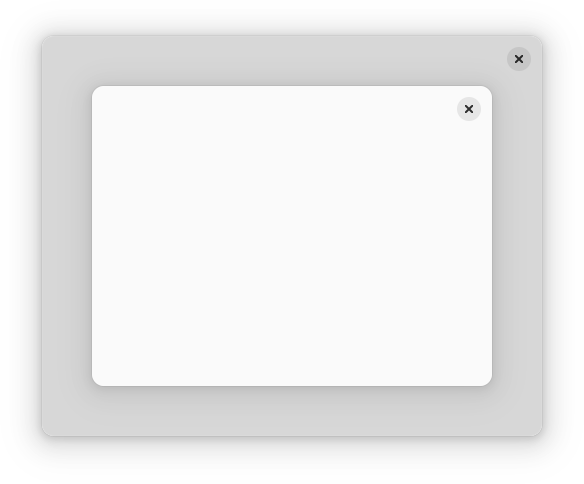
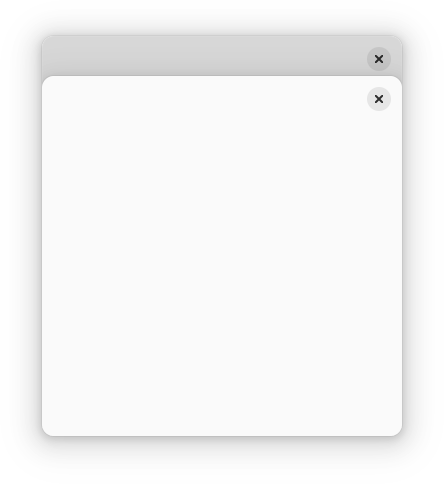
AdwDialog is similar to a window, but is shown within another window. It
can be used with Window and ApplicationWindow, use
Dialog.present to show it.
AdwDialog is not resizable. Use the Dialog.content-width and
Dialog.content-height properties to set its size, or set
Dialog.follows-content-size to TRUE to make the dialog track the
content's size as it changes. AdwDialog can never be larger than its parent
window.
AdwDialog can be presented as a centered floating window or a bottom sheet.
By default it's automatic depending on the available size.
Dialog.presentation-mode can be used to change that.
AdwDialog can be closed via Dialog.close.
When presented as a bottom sheet, AdwDialog can also be closed via swiping
it down.
The Dialog.can-close can be used to prevent closing. In that case, Dialog.:close-attempt gets emitted instead.
Use Dialog.force_close to close the dialog even when can-close is set to
FALSE.
AdwDialog is transient and doesn't integrate with the window below it, for
example it's not possible to collapse it into a bottom bar. See
BottomSheet for persistent and more tightly integrated bottom sheets.
Header Bar Integration
When placed inside an AdwDialog, HeaderBar will display the dialog
title instead of window title. It will also adjust the decoration layout to
ensure it always has a close button and nothing else. Set
HeaderBar.show-start-title-buttons and
HeaderBar.show-end-title-buttons to FALSE to remove it if it's
unwanted.
Breakpoints
AdwDialog can be used with Breakpoint the same way as
BreakpointBin. Refer to that widget's documentation for details.
Like AdwBreakpointBin, if breakpoints are used, AdwDialog doesn't have a
minimum size, and Gtk.Widget.width-request and
Gtk.Widget.height-request properties must be set manually.