Variable: AdwFlap
constAdwFlap:"AdwFlap"
Defined in: generated/jsx.ts:15592
An adaptive container acting like a box or an overlay.
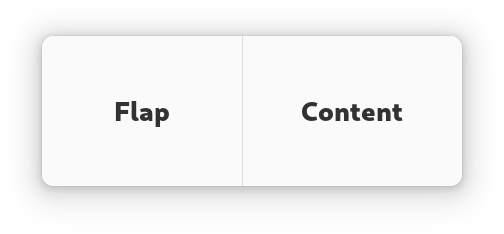
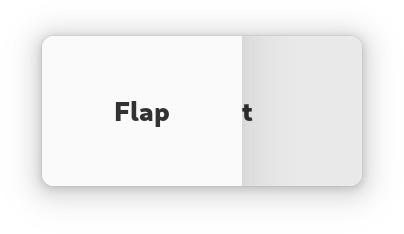
The AdwFlap widget can display its children like a Gtk.Box does or
like a Gtk.Overlay does, according to the
Flap.fold-policy value.
AdwFlap has at most three children: Flap.content,
Flap.flap and Flap.separator. Content is the primary
child, flap is displayed next to it when unfolded, or overlays it when
folded. Flap can be shown or hidden by changing the
Flap.reveal-flap value, as well as via swipe gestures if
Flap.swipe-to-open and/or Flap.swipe-to-close are set
to TRUE.
Optionally, a separator can be provided, which would be displayed between the content and the flap when there's no shadow to separate them, depending on the transition type.
Flap.flap is transparent by default; add the
.background style class to it if this is
unwanted.
If Flap.modal is set to TRUE, content becomes completely
inaccessible when the flap is revealed while folded.
The position of the flap and separator children relative to the content is determined by orientation, as well as the Flap.flap-position value.
Folding the flap will automatically hide the flap widget, and unfolding it will automatically reveal it. If this behavior is not desired, the Flap.locked property can be used to override it.
Common use cases include sidebars, header bars that need to be able to overlap the window content (for example, in fullscreen mode) and bottom sheets.
AdwFlap as GtkBuildable
The AdwFlap implementation of the Gtk.Buildable interface supports
setting the flap child by specifying “flap” as the “type” attribute of a
<child> element, and separator by specifying “separator”. Specifying
“content” child type or omitting it results in setting the content child.
CSS nodes
AdwFlap has a single CSS node with name flap. The node will get the style
classes .folded when it is folded, and .unfolded when it's not.